AI Implementation · 1 min read
Home-Service AI Receptionist Integration Checklist: CRM, Calendar, Dispatch, and QA
A practical implementation checklist for connecting a home-service AI receptionist to phone routing, calendars, CRM fields, dispatch workflows, approval gates, and QA.
The Omni model: one managed AI Employee owns one recurring workflow; specialist employees add capacity around the same business context; your team keeps the judgment calls.

 Direct answer: A home-service AI receptionist should not launch until phone routing, calendar rules, CRM fields, dispatch logic, approval gates, and QA review are configured. The point is not to answer calls in isolation. The point is to turn calls into clean records, booking drafts, escalation tasks, and reviewable follow-up without letting the AI promise pricing, dispatch, or availability beyond approved rules.
Integration is the difference between a demo and a useful receptionist
A standalone AI phone demo can sound impressive and still fail the business. If it does not know service hours, appointment rules, job types, CRM fields, service-area boundaries, escalation rules, and QA requirements, the office still has to clean up the work later.
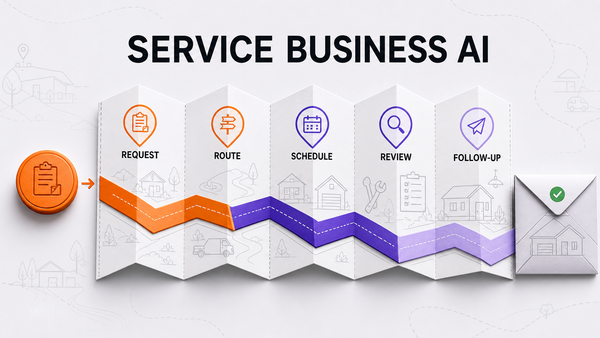
The safest build path is to connect one workflow at a time: route the call, collect the right fields, draft the booking or follow-up task, log the record, escalate risky cases, and review performance before expanding the scope.
The six-layer integration checklist
| Layer | What to configure | Launch gate |
|---|---|---|
| Phone routing | Business hours, after-hours forwarding, missed-call capture, voicemail fallback, and call ownership. | Every call path has a visible fallback and owner. |
| Calendar rules | Service windows, buffer time, job types, blackout periods, reschedules, and cancellation handling. |
References
Authoritative sources referenced in this article: