Shopify & Ecommerce AI · 2 min read
Shopify Workflow Automation: Where AI Fits and Where It Should Wait
Shopify Workflow Automation: Where AI Fits and Where It Should Wait: a buyer-focused guide to workflow fit, approval gates, monitoring, and Omni Studio's implementation path.
The Omni model: one managed AI Employee owns one recurring workflow; specialist employees add capacity around the same business context; your team keeps the judgment calls.

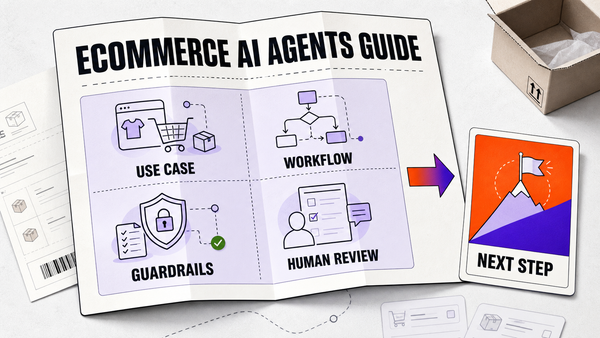
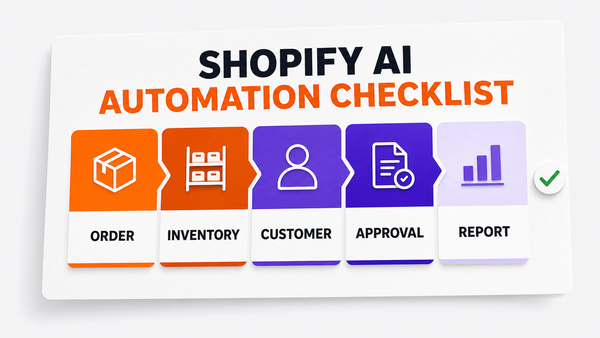
Direct answer: Shopify workflow automation should combine native automation, source-of-truth checks, AI drafting, and human approval for public or customer-impacting changes. AI fits best when the workflow has repeated inputs and clear review rules.
Where AI fits in ecommerce operations
| Workflow | Automation fit | Human review | First step |
|---|---|---|---|
| Product content | High | Brand check | Draft + approve |
| Order / inventory alerts | High | Exception only | Rule-based alerts |
| Customer support triage | Medium–High | Escalation path | Classify + route |
| Pricing changes | Medium | Always approve | Recommend, don't apply |

This guide is for business owners, COOs, ecommerce operators, and service-business leaders who are choosing how to buy AI implementation help. The goal is not more AI content. The goal is a page that helps a buyer decide whether Omni Studio is the right partner for an audit, implementation sprint, or managed AI Ops retainer.
Why This Keyword Has Sales Intent
Shopify owners want automation, but the wrong setup can create product-data errors, unsupported claims, broken promotions, or confused support replies. The right workflow keeps risky steps gated.
Searches for Shopify workflow automation usually come from someone comparing vendors, tools, or implementation paths. That means the page must answer the buying decision plainly: what the workflow is, where AI fits, what must stay gated, what proof matters, and what the next commercial step should be.
Decision Table
References
Authoritative sources referenced in this article: